Real-time geometry updates.
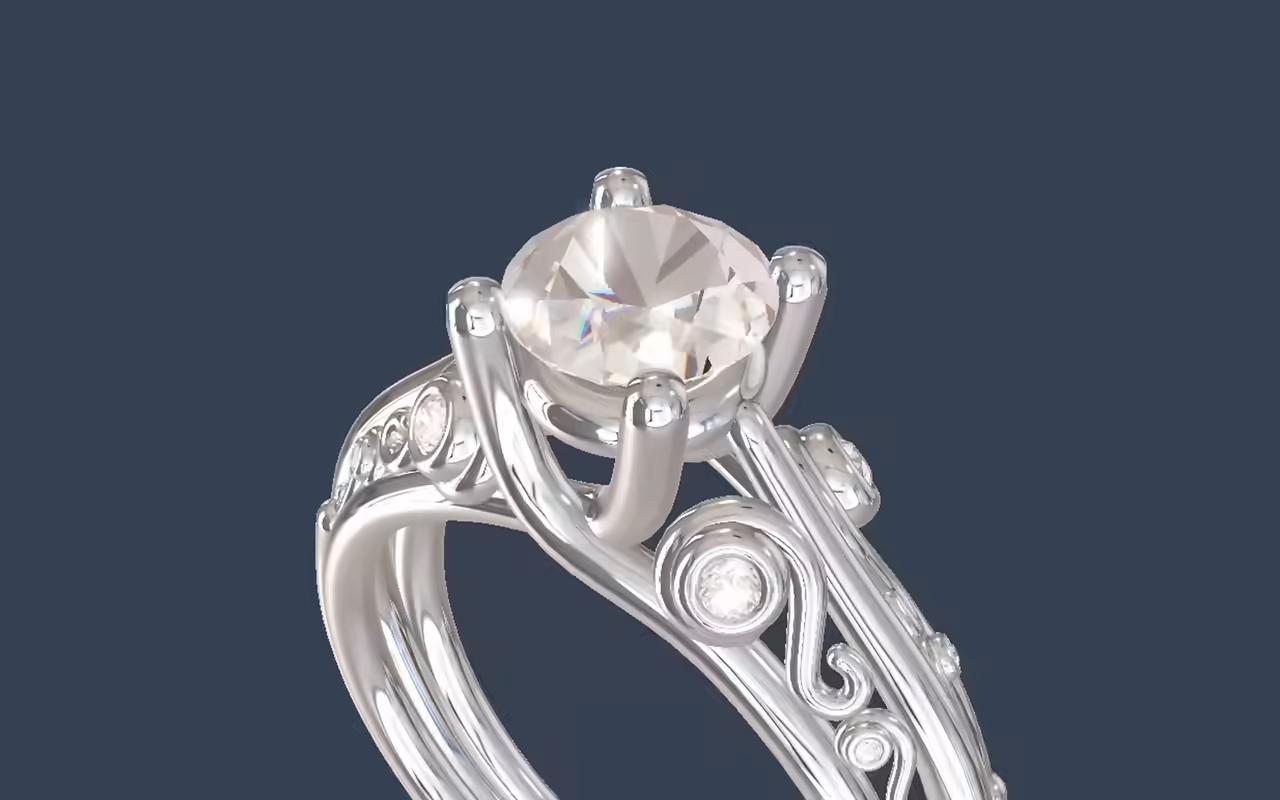
Geometry re-renders as parameters change, so people see the result of a choice immediately.
Platform
The ShapeDiver Viewer renders your parametric model in the browser and updates it in real time as parameters change, without a plug-in or a Rhino license on the viewer’s side. It’s a JavaScript application with a full API you can embed in any web stack, and it’s open source.
Open source. Full JavaScript API (v3).
What it is
The viewer is a WebGL application that runs in the browser and draws the geometry your model produces. Change a parameter and it updates live - the same model, re-rendered as the result comes back, with no page reload and nothing installed on the viewer’s end. It was written for Grasshopper output and is tuned for what matters in parametric work: clean geometry, materials, and precise updates. And it’s open source, so you can see exactly how it works.
What it does
Geometry re-renders as parameters change, so people see the result of a choice immediately.
Rhino 8 materials, plus shadows, ambient occlusion, and bloom, so a model looks like the finished product.
Selection, drag-and-drop, and animation let people work with the model directly.
Put a configured model in the room with AR output - useful when scale and fit are part of the decision.
Set up how a model is lit and framed, and drive the camera from your own code.
A JavaScript API you can build on
The viewer has a complete JavaScript API (version 3), so your code can load a model, set parameters, read outputs, drive the camera, and respond to what people do in the scene. It embeds in any web framework, React and Vue included, or as a standalone component. This is the same viewer App Builder renders on, so a no-code App Builder app and a fully custom front end are two ways of driving the same engine - pick the one that fits the project.

Open source
The viewer is open source. For a technical evaluator that’s worth something concrete: you can read the code, understand exactly what runs in your users’ browsers, and follow how it’s built rather than taking our word for it. It’s a working proof of the thing we ask you to trust with your models.
View on GitHubWhere it fits
The viewer is the render layer - what people actually see. The model behind it is authored in Grasshopper and computed on the platform; the viewer, running in the browser, talks to the platform’s backends to get the geometry and draws it. App Builder builds its no-code interfaces on this viewer, and a custom front end drives it through the Viewer API. Wherever the app ends up (on ShapeDiver or embedded in your own site), the viewer is what renders it.

From the blog
We’re taking the next big step in our open-source journey: the ShapeDiver 3D Viewer is now fully public on GitHub! Discover why we’re opening the hood on our WebGL engine, how it completes our stack alongside the App Builder SDK, and what full-stack transparency means for your parametric web apps.
 Michael Oppitz
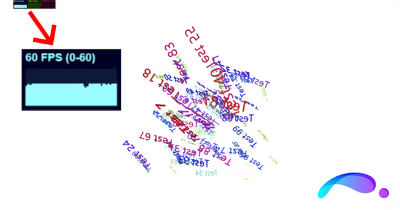
How the ShapeDiver Viewer now renders large numbers of 3D text tags quickly with instanced meshes: the problem, our approach, and how to use it.
Michael Oppitz
From Rhino 8 support to new advanced post-processing effects on our 3D viewer, these are the new features recently added to our platform.
ShapeDiver
3D Viewer
Start a free trial, upload a definition, and see it render in the viewer - then read the docs when you’re ready to embed it in your own stack. The code is on GitHub if you want to read it.
