If you have tried agentic coding or vibe coding, you already know how AI coding assistants can be game changers. (If you haven’t, what are you waiting for?) But of course, not everything is always as perfect as the results you see online make it seem. As you might have noticed, there are a few things that AI coding assistants tend to do that actually make your life harder. They hallucinate, guess API calls, use tokens to explore code paths that you would never need, and keep you debugging things for no reason.
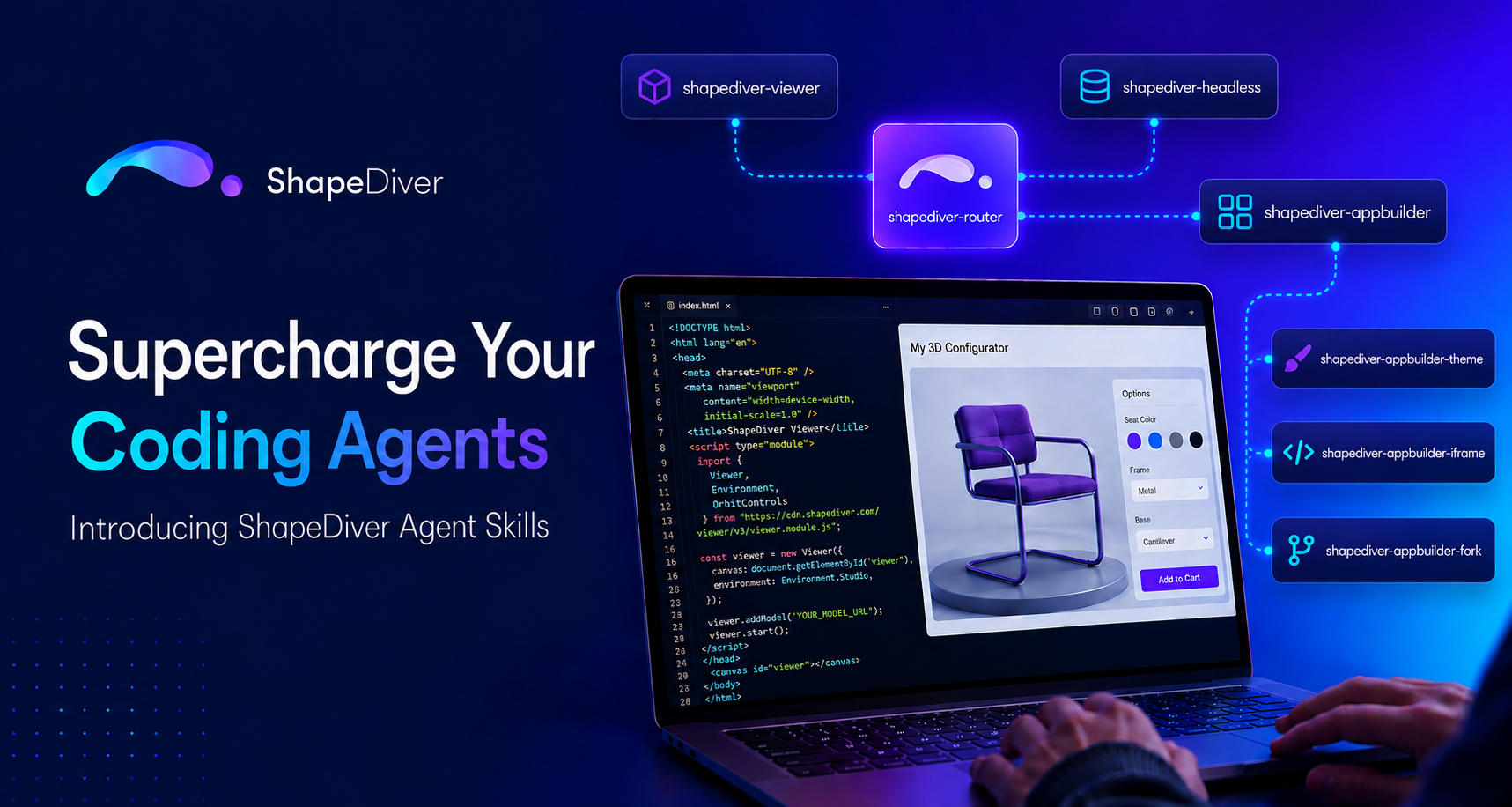
To solve these issues, we proudly announce the ShapeDiver Agent Skills. These skills are a set of instructions that guide AI assistants with ShapeDiver-specific knowledge. Therefore, you can achieve higher-quality results in less time with even fewer tokens. Sounds too good to be true, right?
Whether you're using GitHub Copilot, Cursor, Claude Code, or Windsurf, you can now use those skills and make your “dumb” AI coding assistants experts.
Token Prices: Why "Progressive Disclosure" Matters
If you've been monitoring your AI bills or usage limits lately, you know that tokens are costing more, and using them effectively is critical. Most providers are switching to usage-based billing, so the glory days of just using tokens without monitoring usage are over.
Historically, the only way to get an AI to understand a specialized API was to copy-paste entire documentation pages into your prompt. This bloats your context window, drastically increases your token spend, and slows down response times.
ShapeDiver Agent Skills solve this through a smart mechanism called Progressive Disclosure. Instead of loading the entire ShapeDiver documentation into your AI’s context at once, it uses a lightweight "Router" skill.
When you ask your AI for help, the shapediver-router activates first. It assesses your project, asks a clarifying question or two, and then only loads the exact instructions relevant to your task.
- Building a server-side integration? It only loads the shapediver-headless skill.
- Want a no-code embed? It only loads shapediver-appbuilder-iframe.
By isolating the context, your AI coding assistant only loads the information it needs and doesn’t divert into the deep ends of the code. You get faster, more accurate code generation while keeping your token consumption lean.
The Skill Tree
The ShapeDiver Agent Skills repository includes highly targeted skillsets designed for different integration strategies:
- shapediver-router
- shapediver-viewer
- shapediver-appbuilder
- shapediver-appbuilder-iframe
- shapediver-appbuilder-theme
- shapediver-appbuilder-fork
- shapediver-headless
All of these skills target specific areas of the ShapeDiver Ecosystem. Your input prompt will be interpreted so that you are guided to the correct skill; you don't need to know anything about this on your side.
Example: “I want to make my App Builder project look better, add cats and lasers!”
Results: The ShapeDiver router skill will be activated (as it always is), and it will guide you through the skill tree to the shapediver-appbuilder-theme skill. This then has all the details to configure your theme file accordingly.
Which Agent? Your Choice!
You don't need to learn a new tool to use ShapeDiver Agent Skills. Because they follow the open Agent Skills specification, they are universally compatible with tools like:
- GitHub Copilot
- Cursor
- Claude Code
- Gemini CLI
- Windsurf, Roo Code, and many more.
Read more about how you can install the skill for your agent on the help desk.
